
Fast answer: separate outage checks from local fixes. If SAND: Raiders of Sophie servers are broadly down, changing files, reinstalling, or resetting your router will not solve it. If no outage signal exists, troubleshoot in this order: Steam status, game update, server list filters, region/session refresh, firewall/VPN, then startup integrity checks.
Field status: current public Early Access behavior as of July 21, 2026. Server rules, uptime windows, browser filters, and queue labels can change. Trust the live launcher, Steam announcements, and official channels first; use this page as the decision tree.
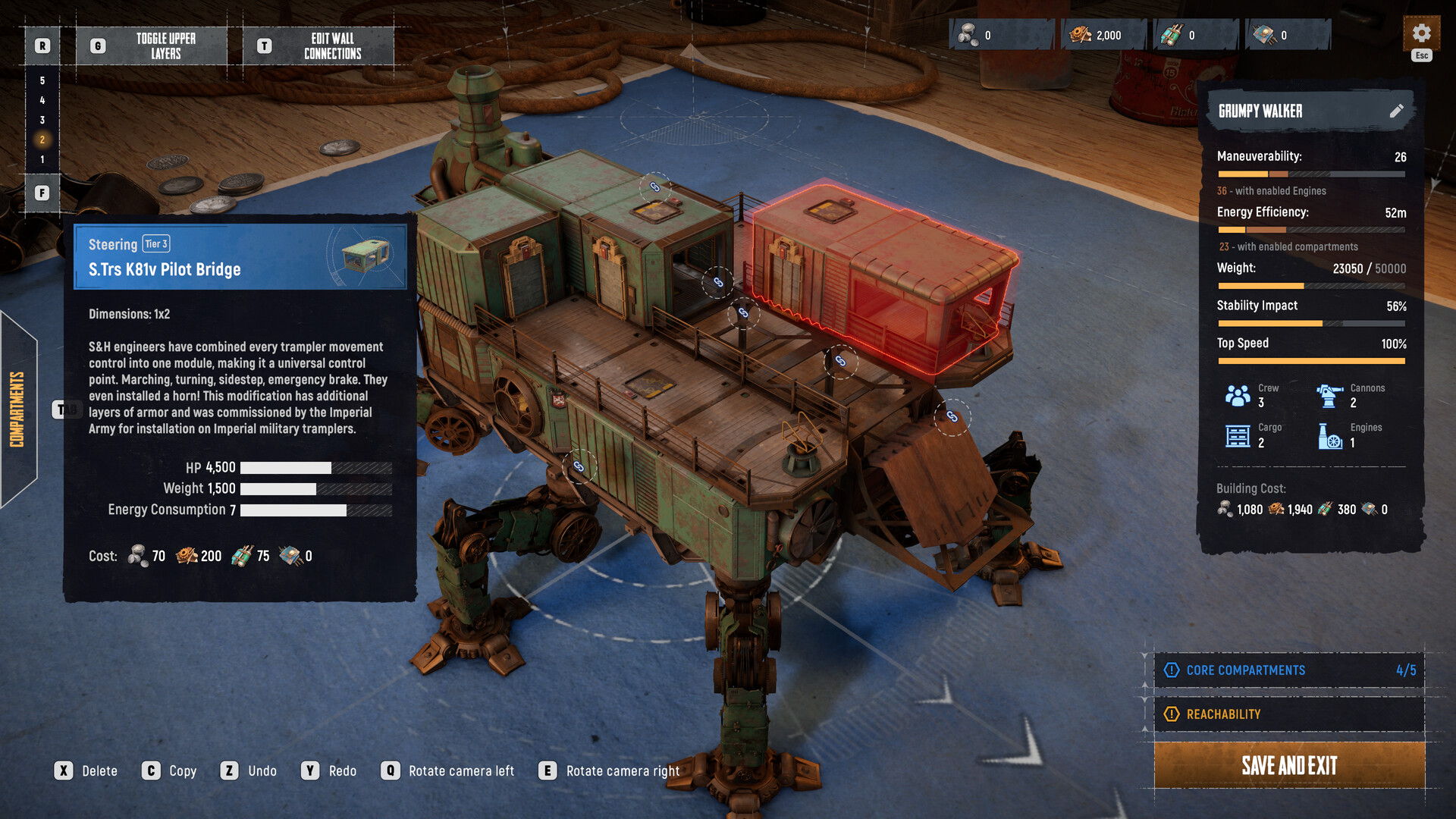
Current server status checks
Server status variants
Most searches around "SAND servers down" really ask one of three things: are official services offline, is matchmaking/session listing broken, or is only your client failing to reach the list? Those are different problems. Start with public signals, then move inward.
| Symptom | Likely layer | First check |
|---|---|---|
| Everyone reports no servers | Outage or maintenance | Official announcement, Steam news, community status chatter |
| Only your list is empty | Client, region, filter, session, or firewall | Restart client and Steam, reset filters, disable VPN |
| You can see servers but cannot join | Version mismatch, full session, region, or auth | Update game, re-login, try a different region/session |
| Game does not launch | Startup/runtime layer | Verify files, drivers, antivirus quarantine, OS requirements |
If the whole community is reporting the same failure, stop changing your local configuration. Wait for official recovery. If reports are mixed, treat it as a local or regional issue and move to the next section.
Official server check sources
SAND is an online PvP extraction game with Steam integration and official update channels. Use sources in this order:
- Steam game page and news: patch, maintenance, and launch-window announcements.
- Official SAND site or social channels: broad service messages and event windows.
- In-game UI: current mode labels, server list behavior, region choices, and maintenance cards.
- Community reports: useful only after you compare time, region, and build version.
Do not use one old Discord screenshot as permanent status. Server visibility can change by region, patch, and live test window.
Troubleshooting connection problems
Servers not visible
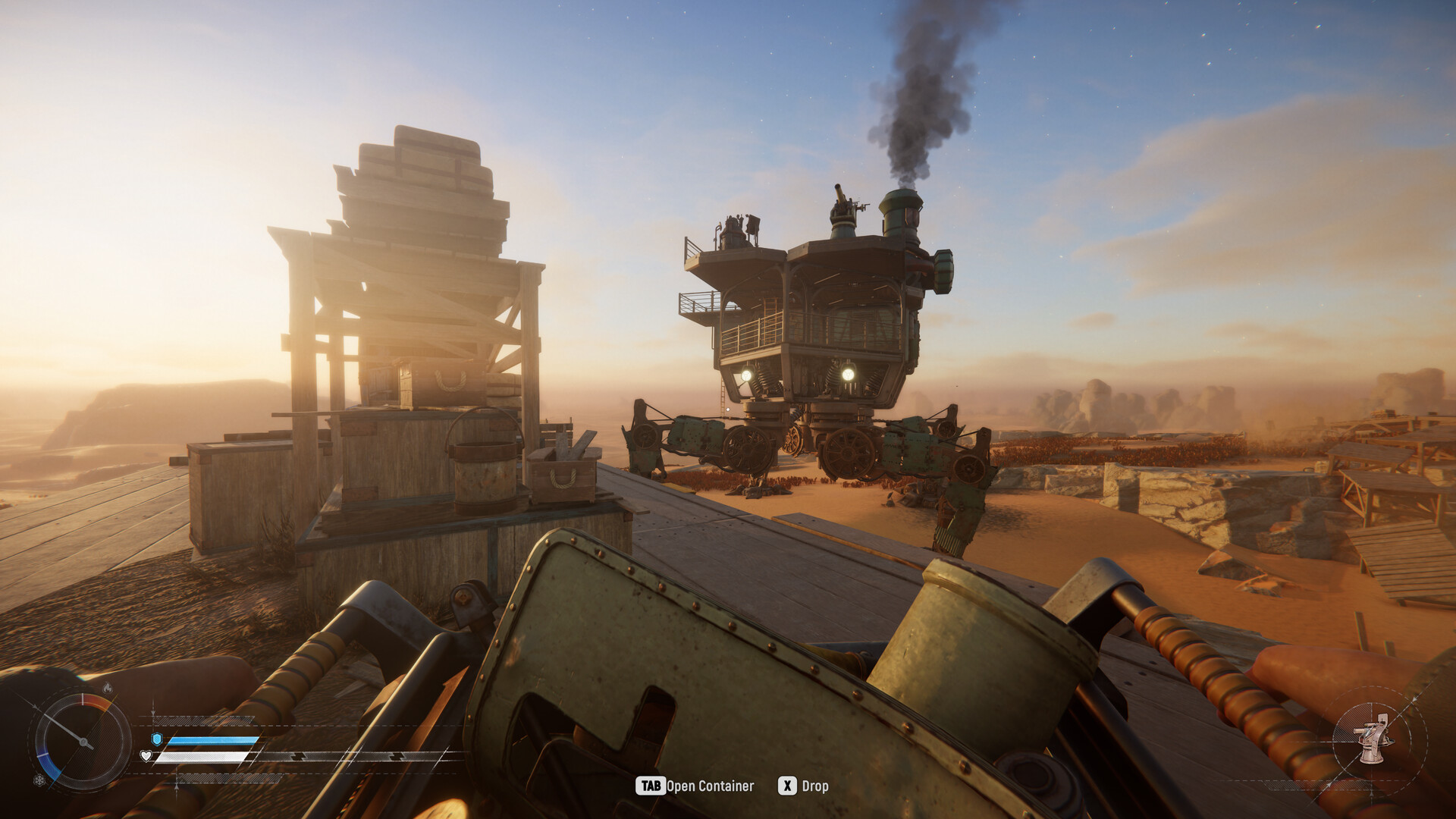
"Non vedo i server" means "I cannot see the servers." Treat it as a server-list visibility problem first, not proof that the entire game is offline. Clear filters, switch region if the UI allows it, restart the game, restart Steam, and confirm that your build version matches the live branch.
| Check | What to do | Why it matters |
|---|---|---|
| Build version | Restart Steam and install pending updates. | Old clients often fail matchmaking or session discovery. |
| Filters | Clear mode, region, ping, and full-server filters. | A strict filter can hide valid sessions. |
| VPN/proxy | Disable temporarily and test again. | Some routes break auth, region, or latency checks. |
| Firewall | Allow the game and Steam through Windows security. | Blocked traffic can produce an empty list. |
| Local network | Reboot router only after outage signs are absent. | Router resets do nothing during maintenance. |
Game does not run typo variant
The typo "doesnt tun" usually means "doesn't run." Keep launch failure separate from server failure. If the executable never reaches the menu, the server list is irrelevant.
Run a strict startup pass: verify Steam files, update GPU driver, close overlays, check antivirus quarantine, run without VPN, and confirm the minimum requirement for broadband internet and Windows 10 64-bit. If the game starts after file verification, do not change server settings yet; retest the server list from a clean launch.
How long servers stay up
There is no useful fixed uptime number to hard-code into a guide. SAND can have maintenance, patch deployments, launch stress, and mode windows. Ask a better question: is the current session browser live right now, and are official channels reporting a planned downtime?
For route planning, assume any online extraction game can interrupt your evening. If your crew has limited time, use the extraction guide and keep runs short until server stability is confirmed.
FAQ
Are SAND: Raiders of Sophie servers down?
Check official announcements, Steam news, and broad community reports first. If many players in multiple regions report the same failure, wait. If only your client is affected, troubleshoot filters, updates, VPN, firewall, and startup state.
Why can I not see servers?
Empty server lists can come from outages, wrong build, strict filters, region/session issues, VPN/proxy routing, or firewall blocks. Do not assume outage until you compare with external reports.
Why does SAND not launch?
Verify files, update drivers, close overlays, check antivirus quarantine, and relaunch Steam. Launch failure is a local runtime problem until the game reaches the menu and fails at server discovery.